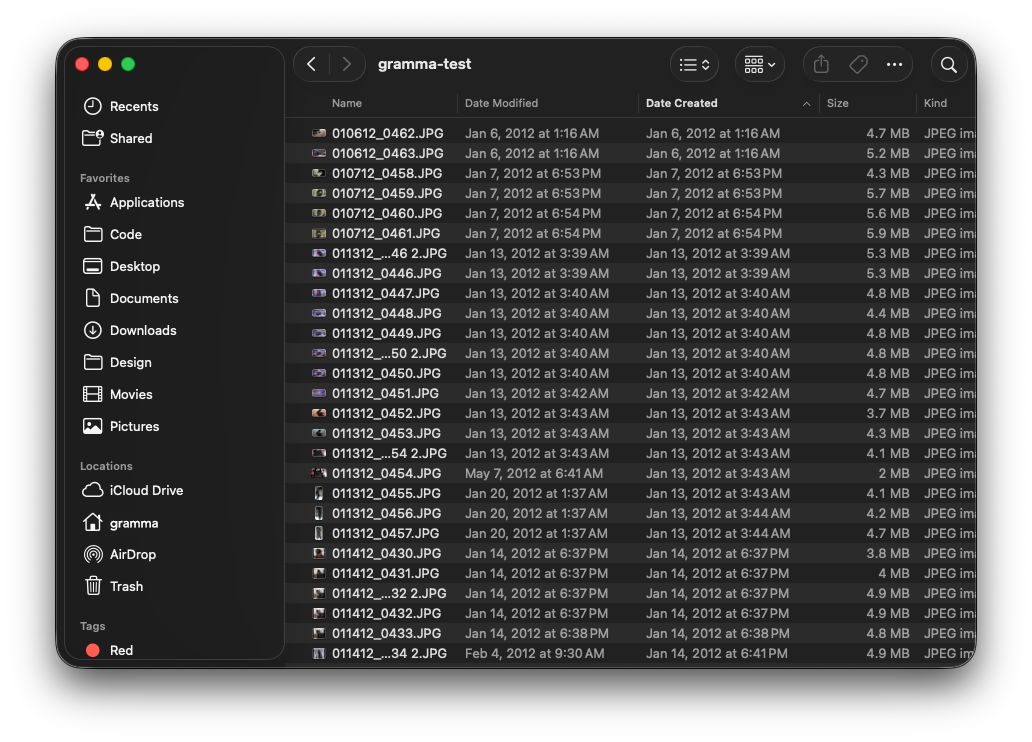
Photos and videos scattered in one folder.

Drop a folder, preview the plan, and organize — all on your Mac. No uploads. No account.
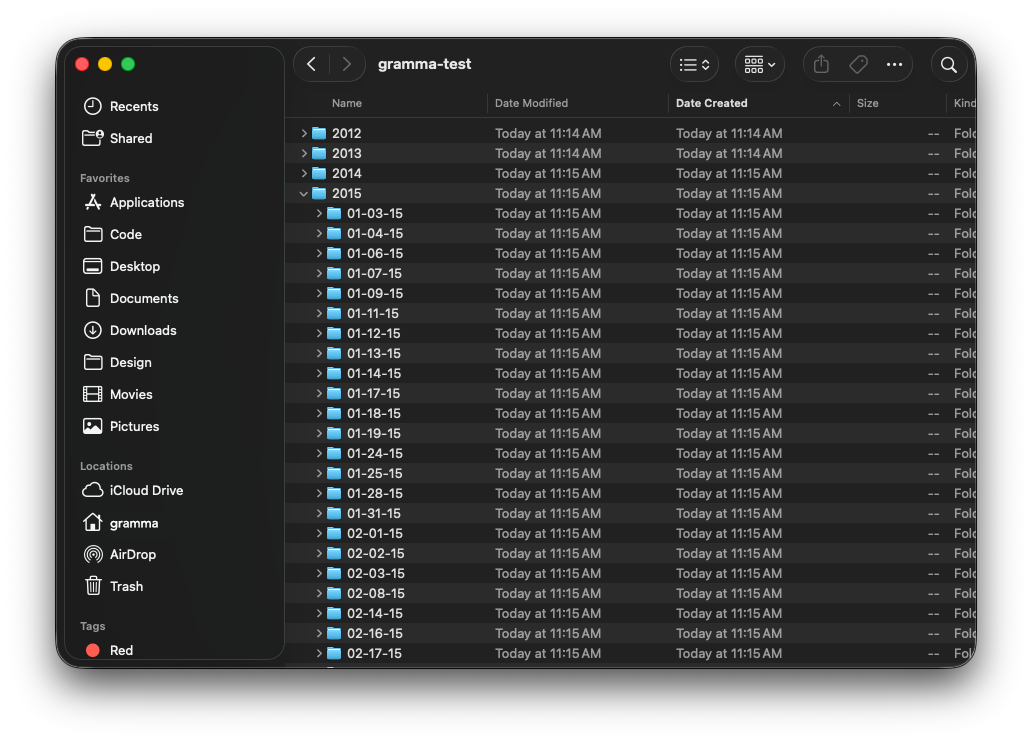
See the difference when your library is sorted chronologically in Finder.
Photos and videos scattered in one folder.
A clear folder for each date, organized by year.
Four simple steps to sort photos and videos into date folders. You always preview before anything moves.
Step 1
Drag a folder into Grámmafold, or click Choose Folder.
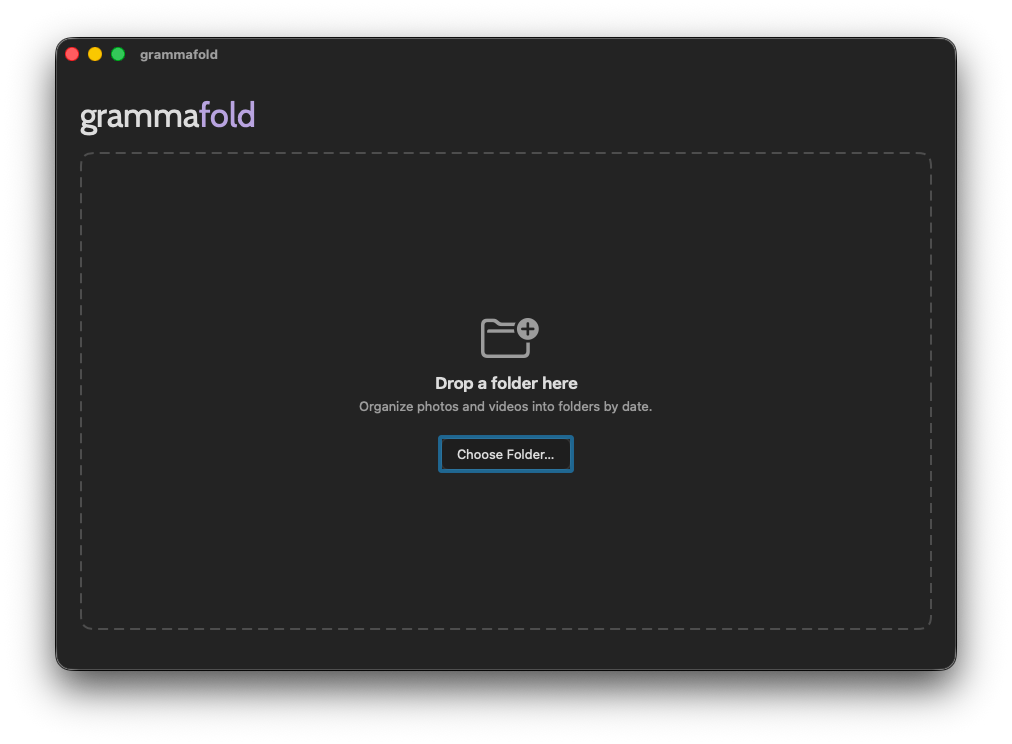
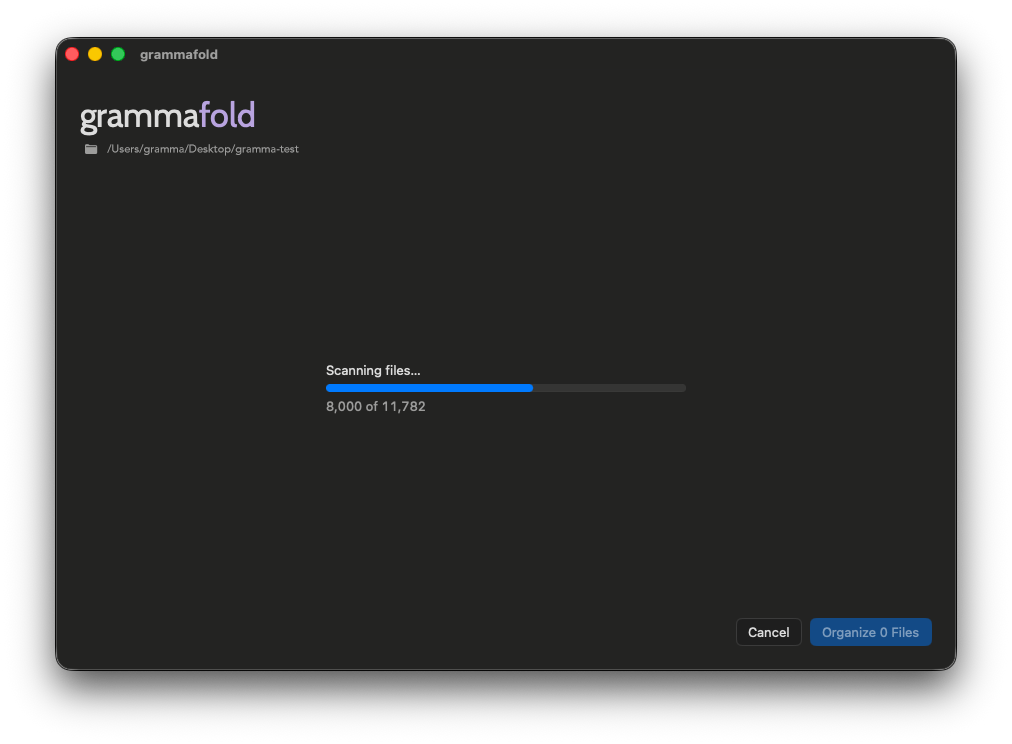
Step 2
It finds the date for each photo and video. Large folders may take a moment.
Step 3
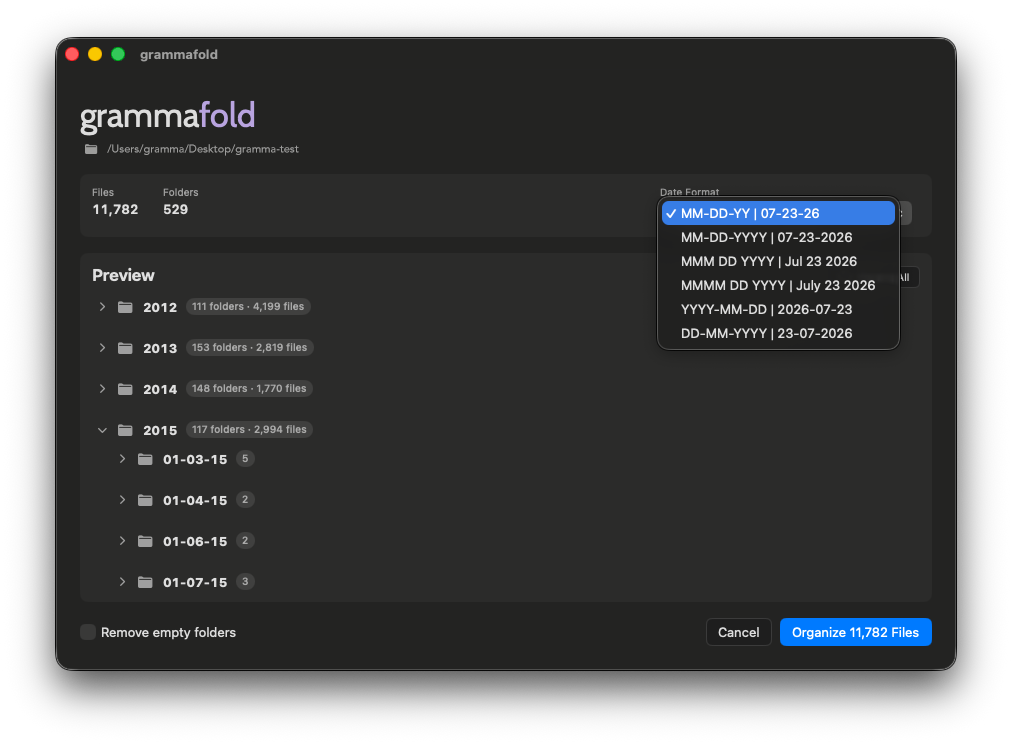
See exactly where every file will go. Pick the date style you prefer before organizing.
Step 4
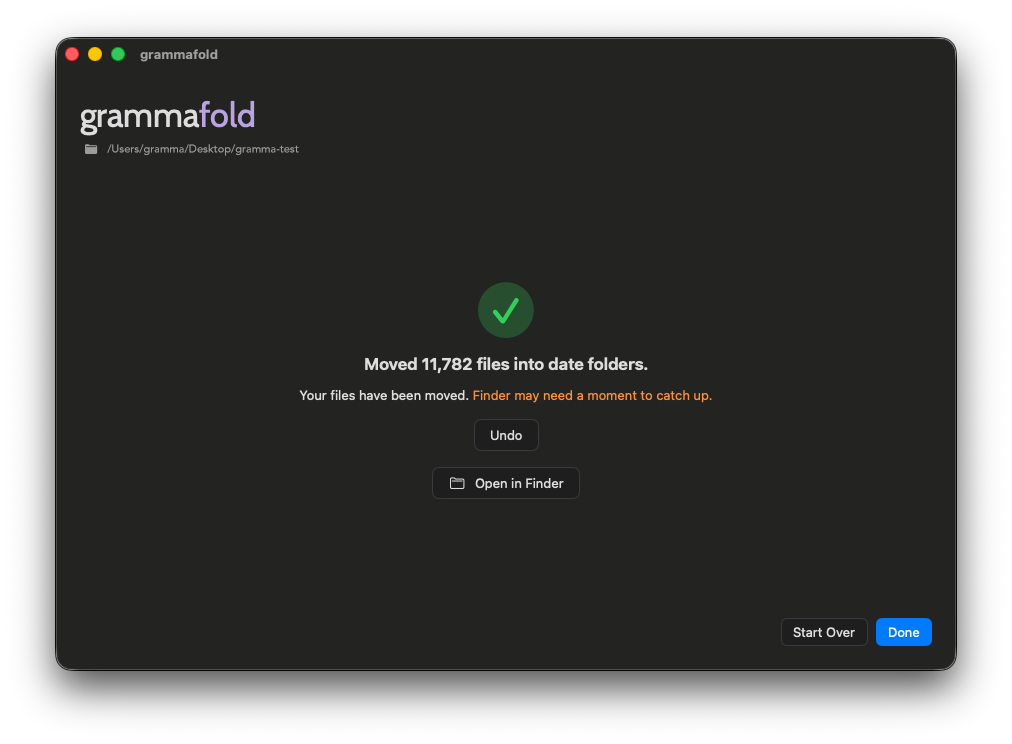
Confirm to move files into date folders. Changed your mind? Undo puts everything back.
Download Grámmafold and organize photos into date folders in minutes.
Download on the Mac App Store